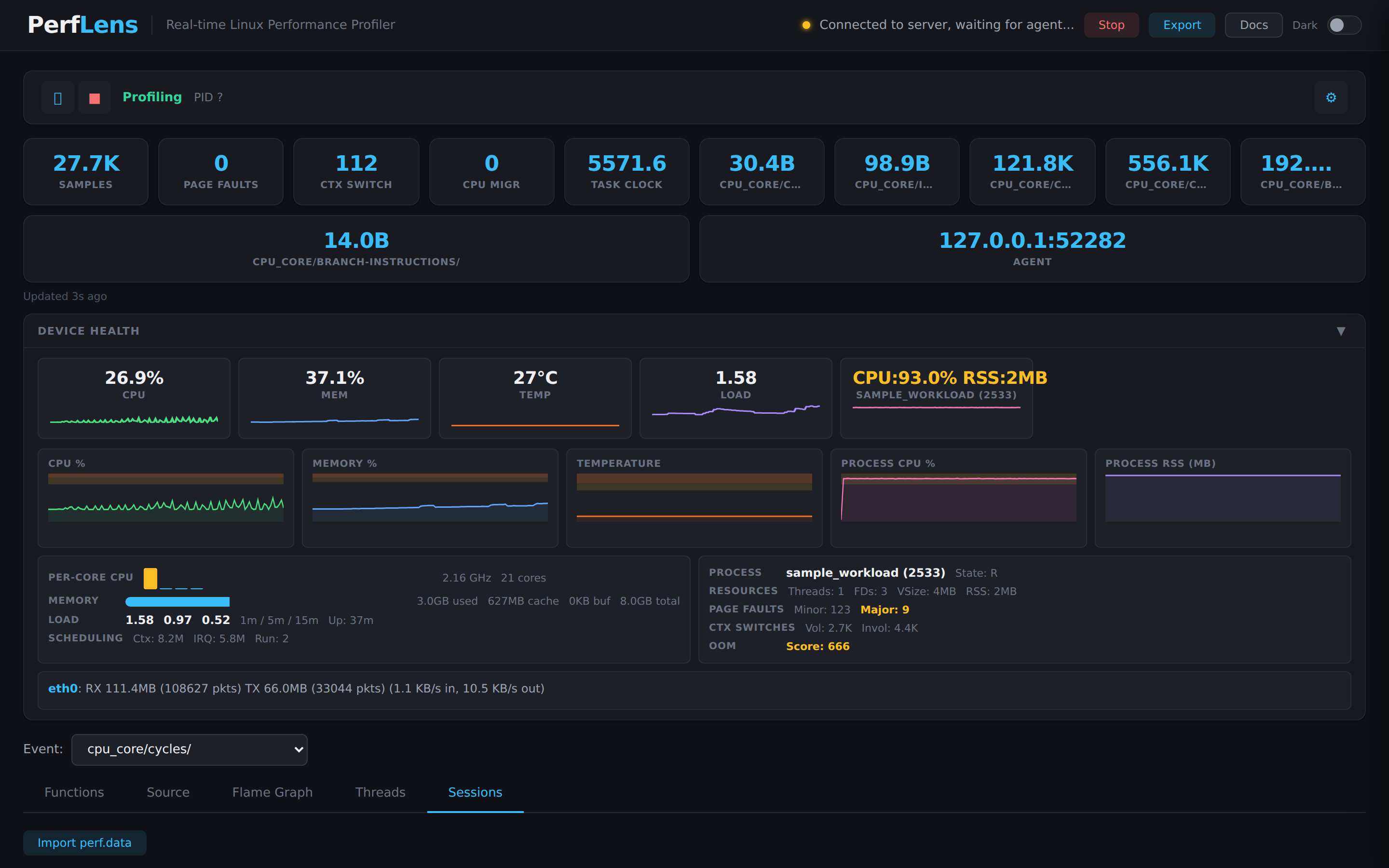
Drop a tiny agent on any Linux box, point it at a PID, and watch flame
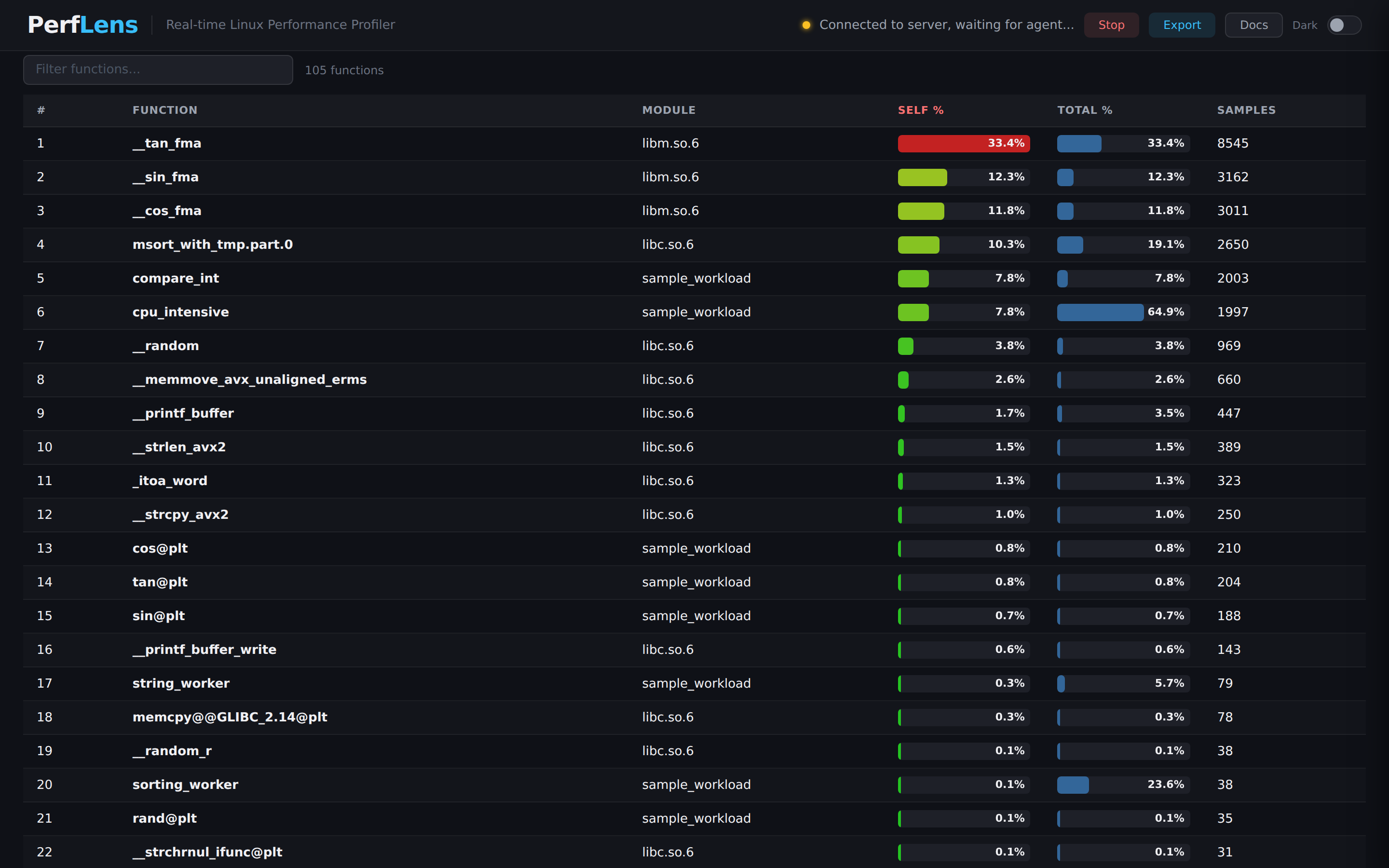
graphs, function tables, perf stat metrics, and line-level
annotated source update live — no frameworks, no Docker,
no pip dependencies.
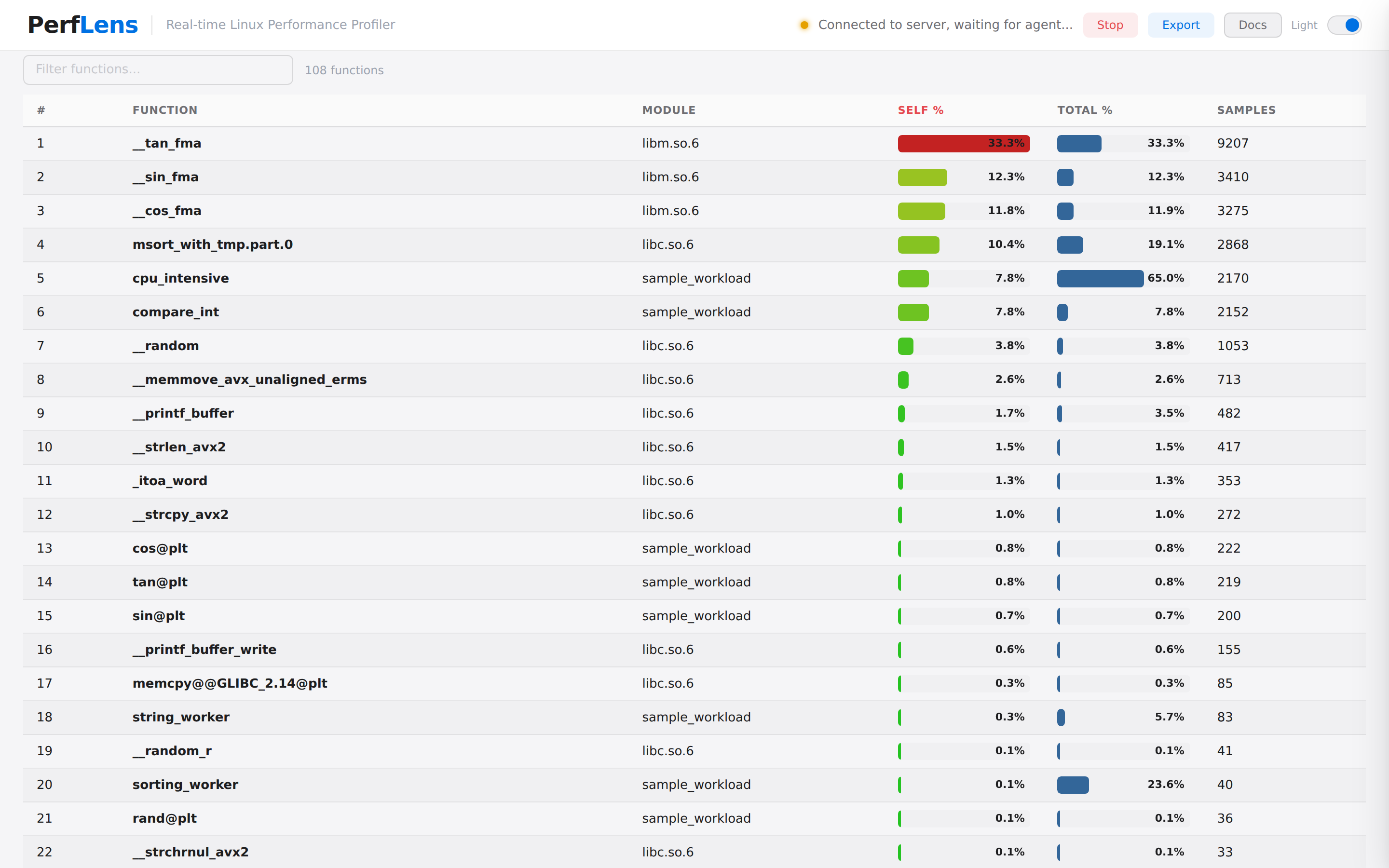
Sample counts climb live as perf record rounds stream in. Flip to flame graph, click a function, land in source with line-level heat. Zero polling — Server-Sent Events.
perf pipeline.
Remote perf record, real-time SSE streaming, flame graphs,
per-thread analysis, and source-level heat — without leaving the browser.
The agent runs perf record in 8-second rounds. Each round is zstd-compressed and pushed over TCP. Browser sees flame graphs update as new data arrives.
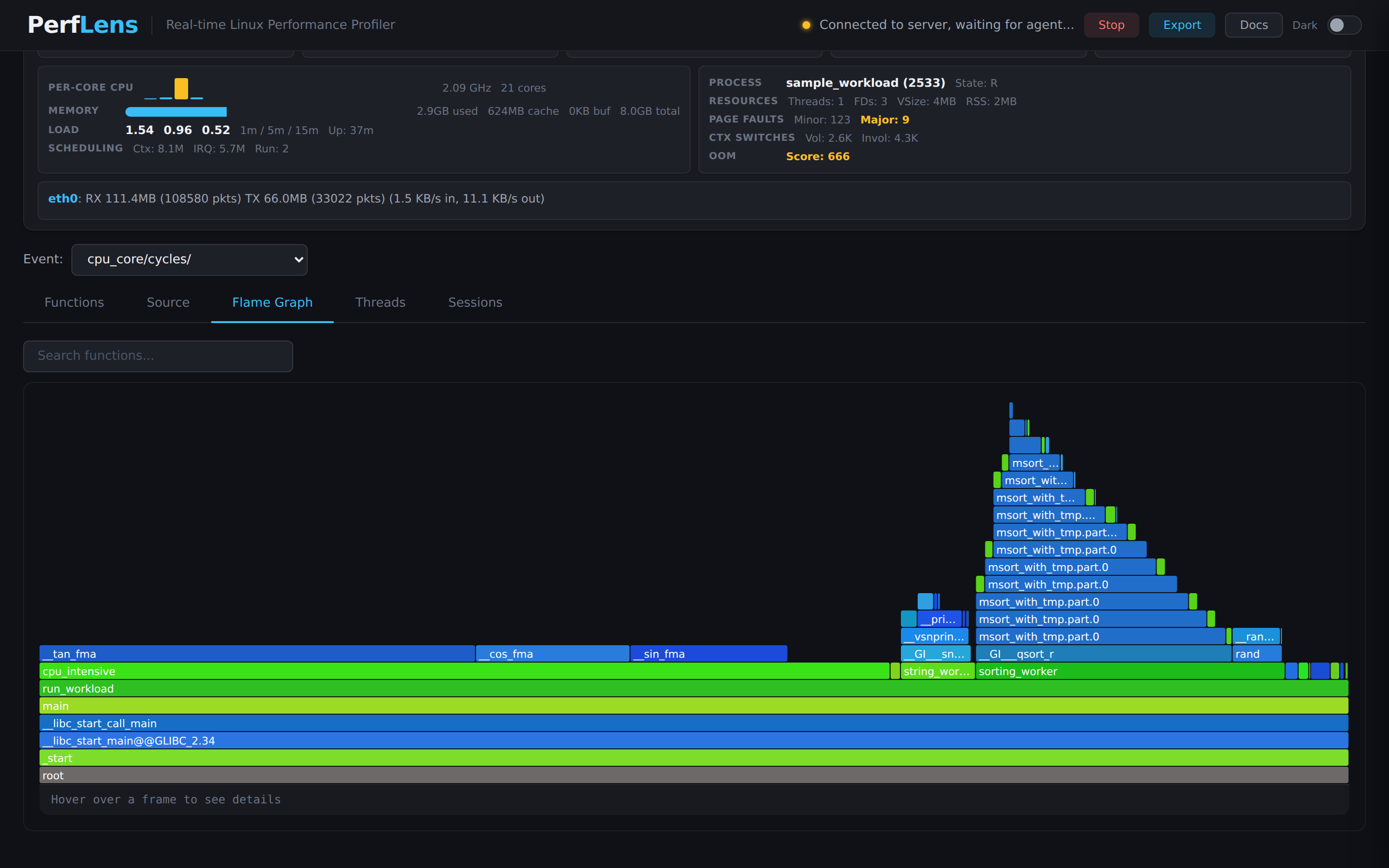
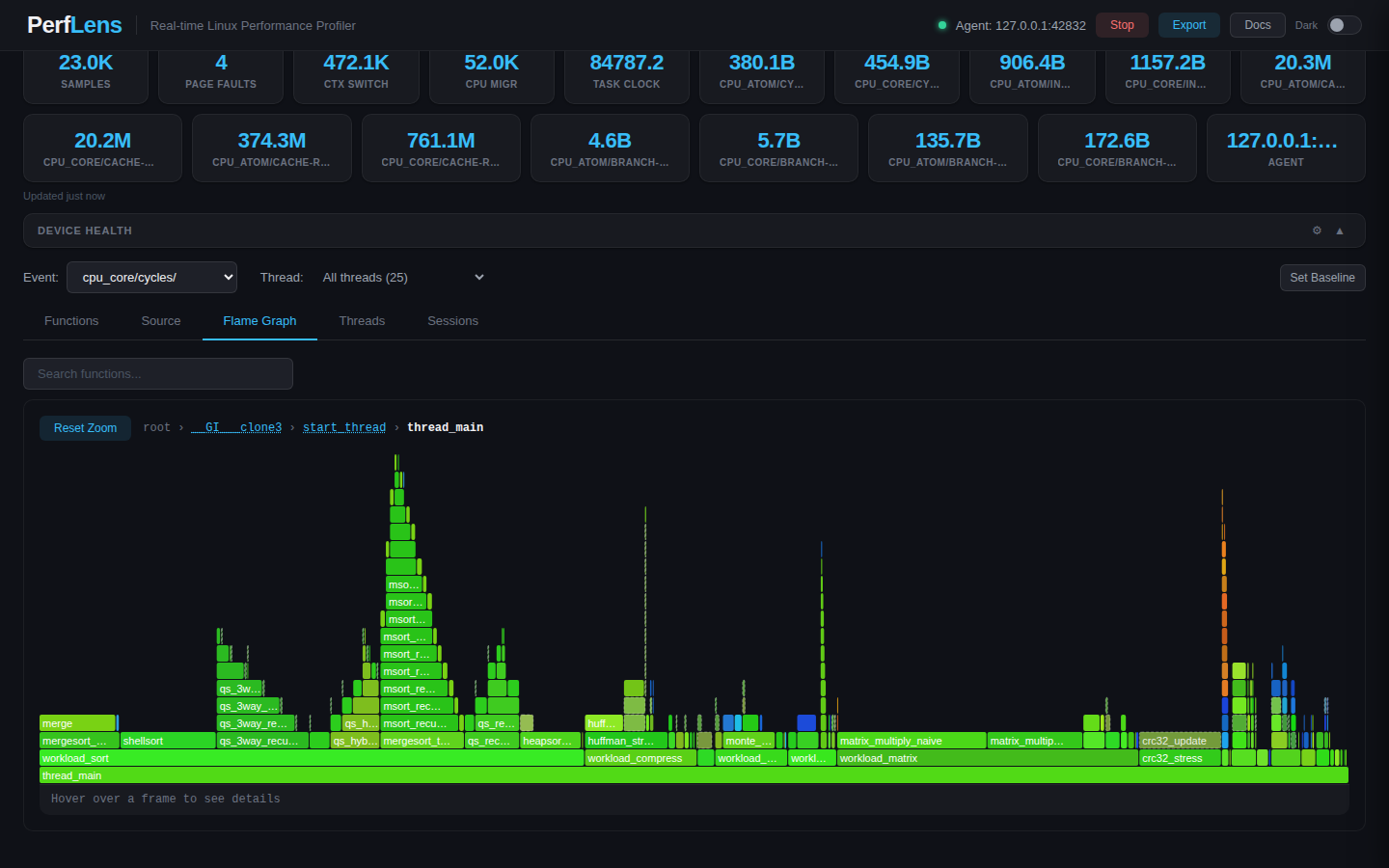
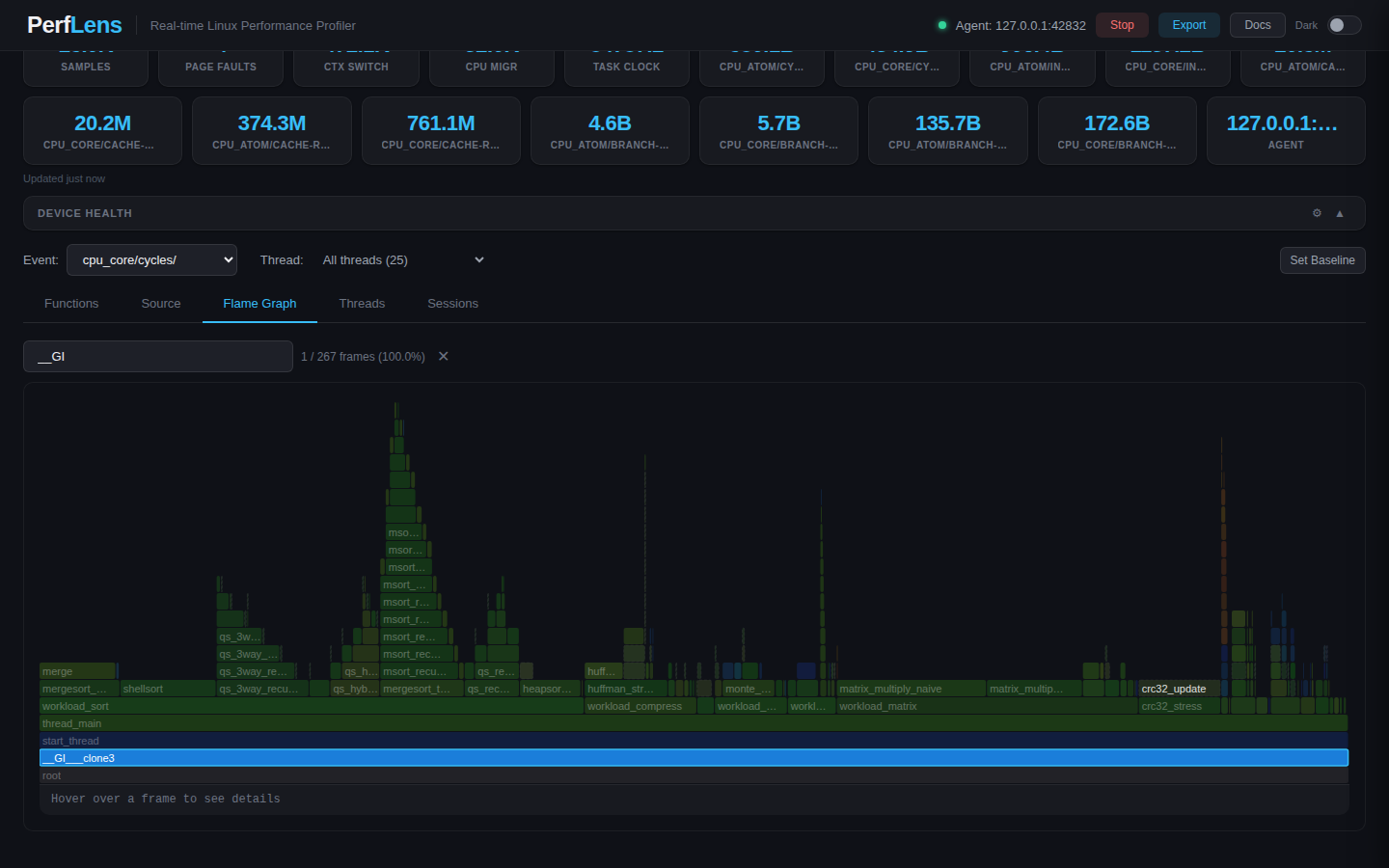
Vanilla-JS SVG flame graphs. Zoom into a frame, hover for sample counts, search by function name, breadcrumb back to root.
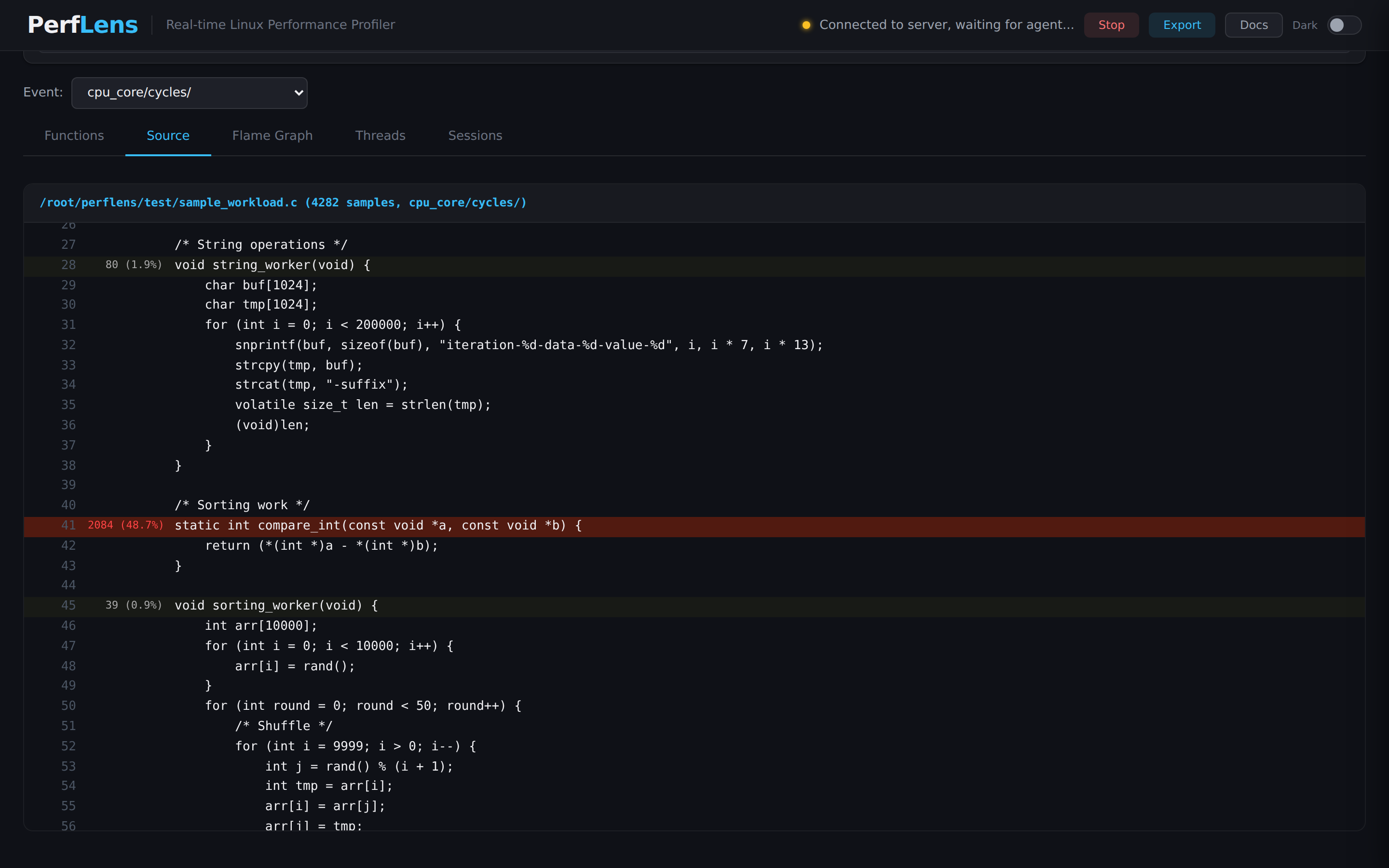
addr2line pipelined in batches of 500. Hot lines are heat-colored red/amber/green so you spot the cost without leaving the file.
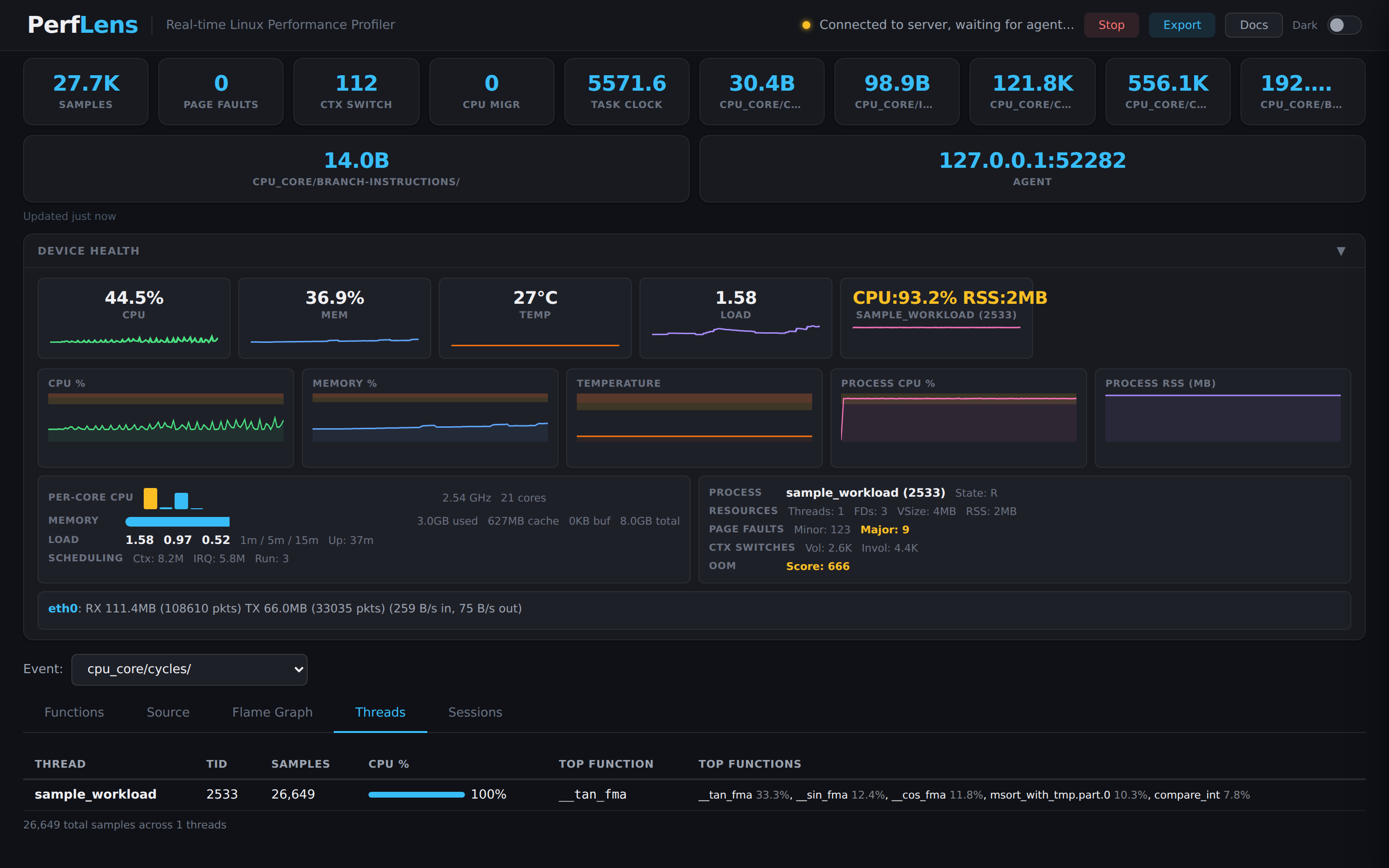
Filter flame graphs, function tables, and source annotations by thread. A dedicated Threads tab shows per-tid CPU breakdowns and top functions.
Python 3.5+ agent (~600 lines, stdlib only) for hosts with Python. Static C binary (~1.8 MB, vendored zstd) for bare-metal targets — both wire-protocol-identical.
Agent enumerates which perf events the kernel actually supports, tries call-graph modes (fp → dwarf → lbr), and picks the first that produces non-empty stacks.
One --toolchain-prefix derives addr2line and readelf. --sysroot resolves shared libraries and source files under a target tree, like perf --symfs.
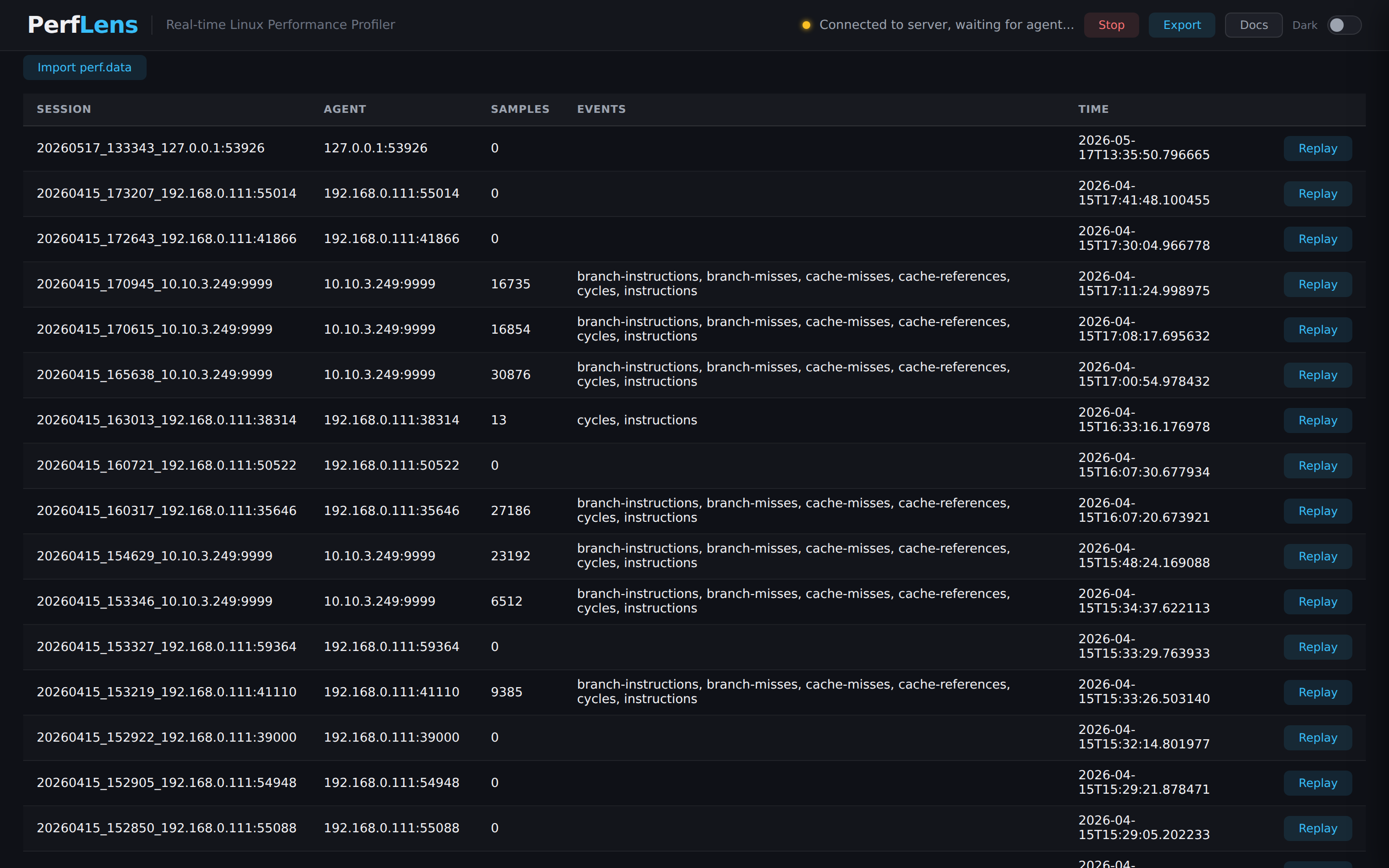
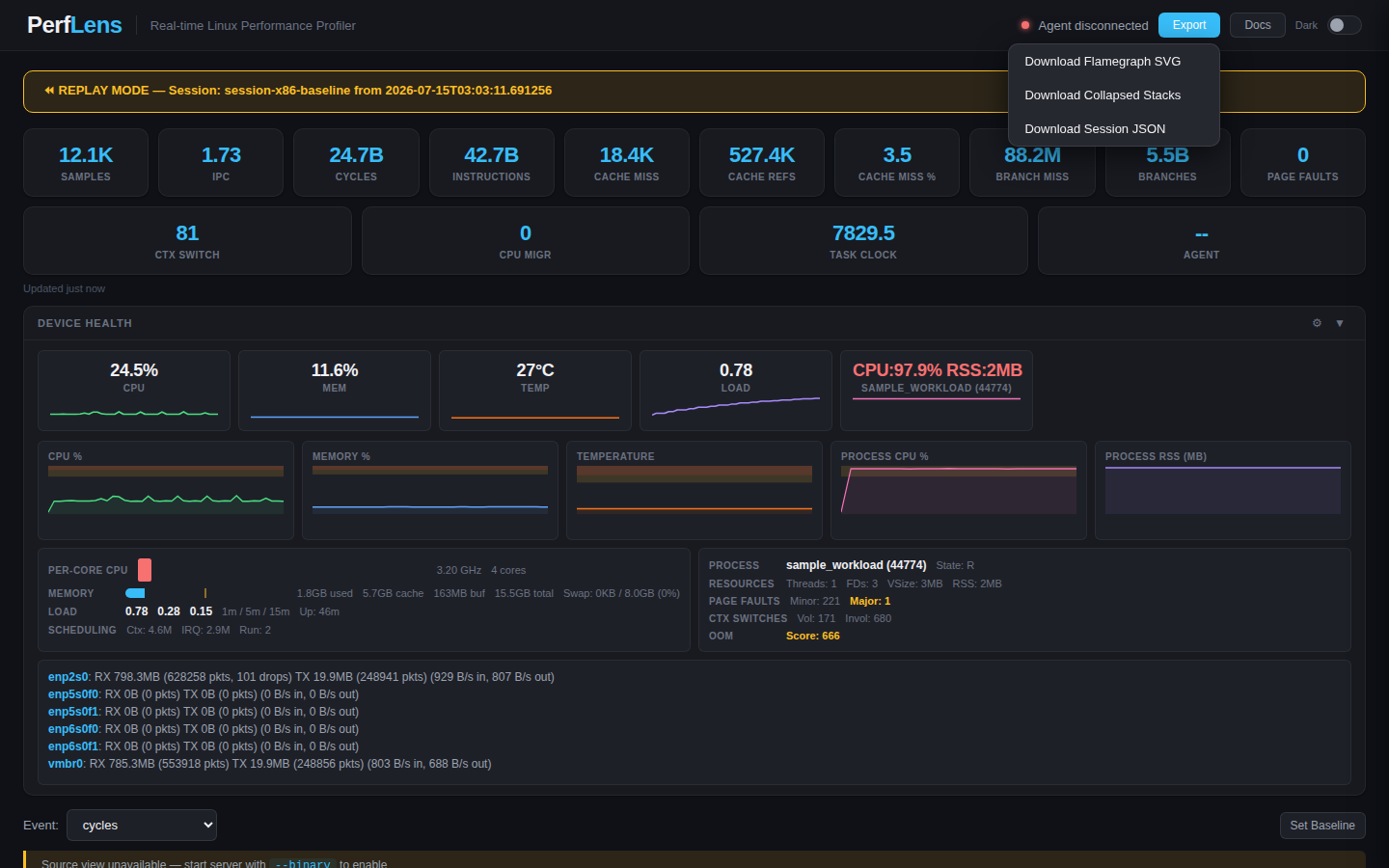
Every session is saved as raw chunks on disk. Replay any past session lazily through the UI — or import a perf.data file directly with --import.
--server: agent dials out to the server (reconnects with backoff). --listen: agent waits, server connects in through the UI's Live Debug wizard.
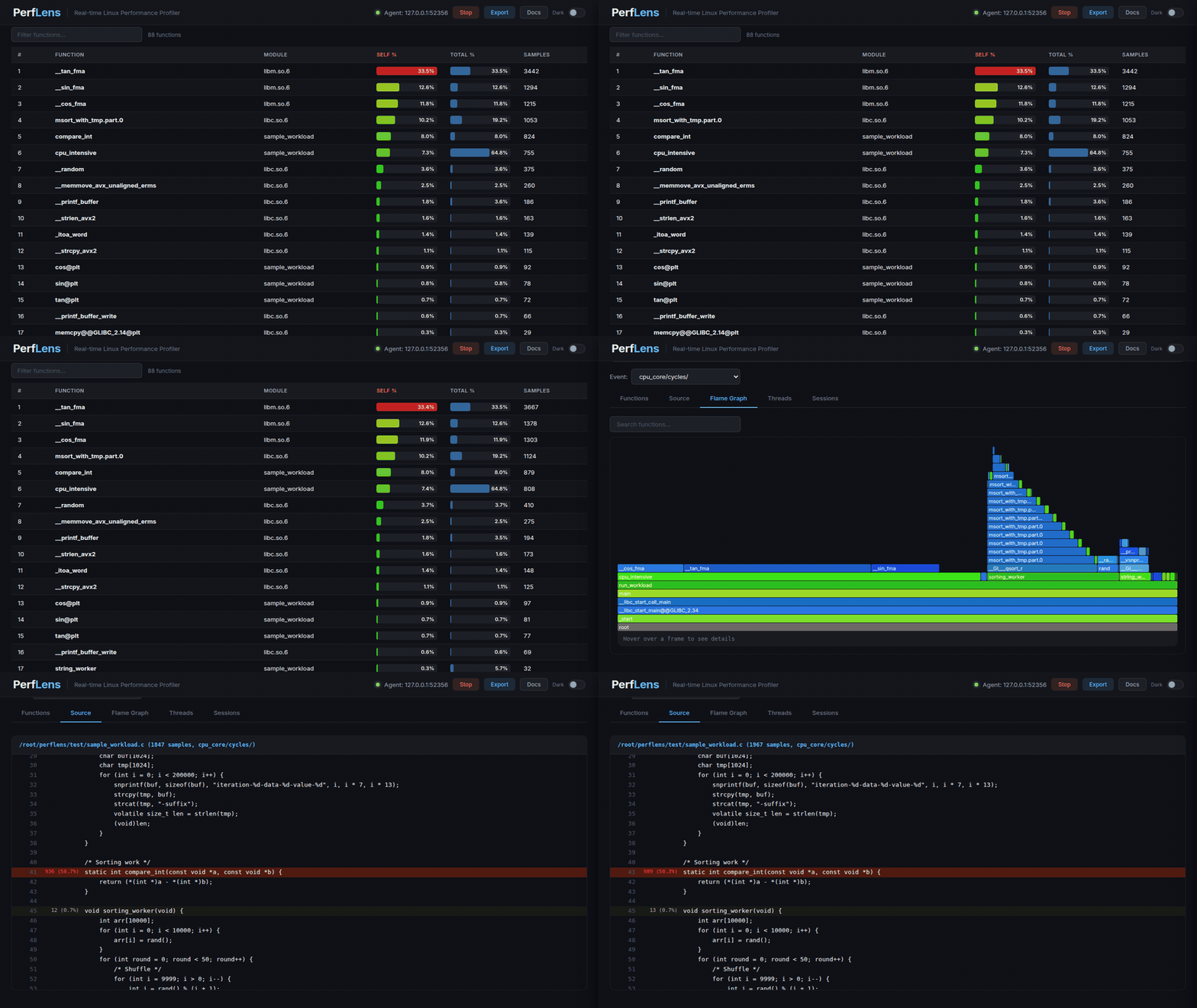
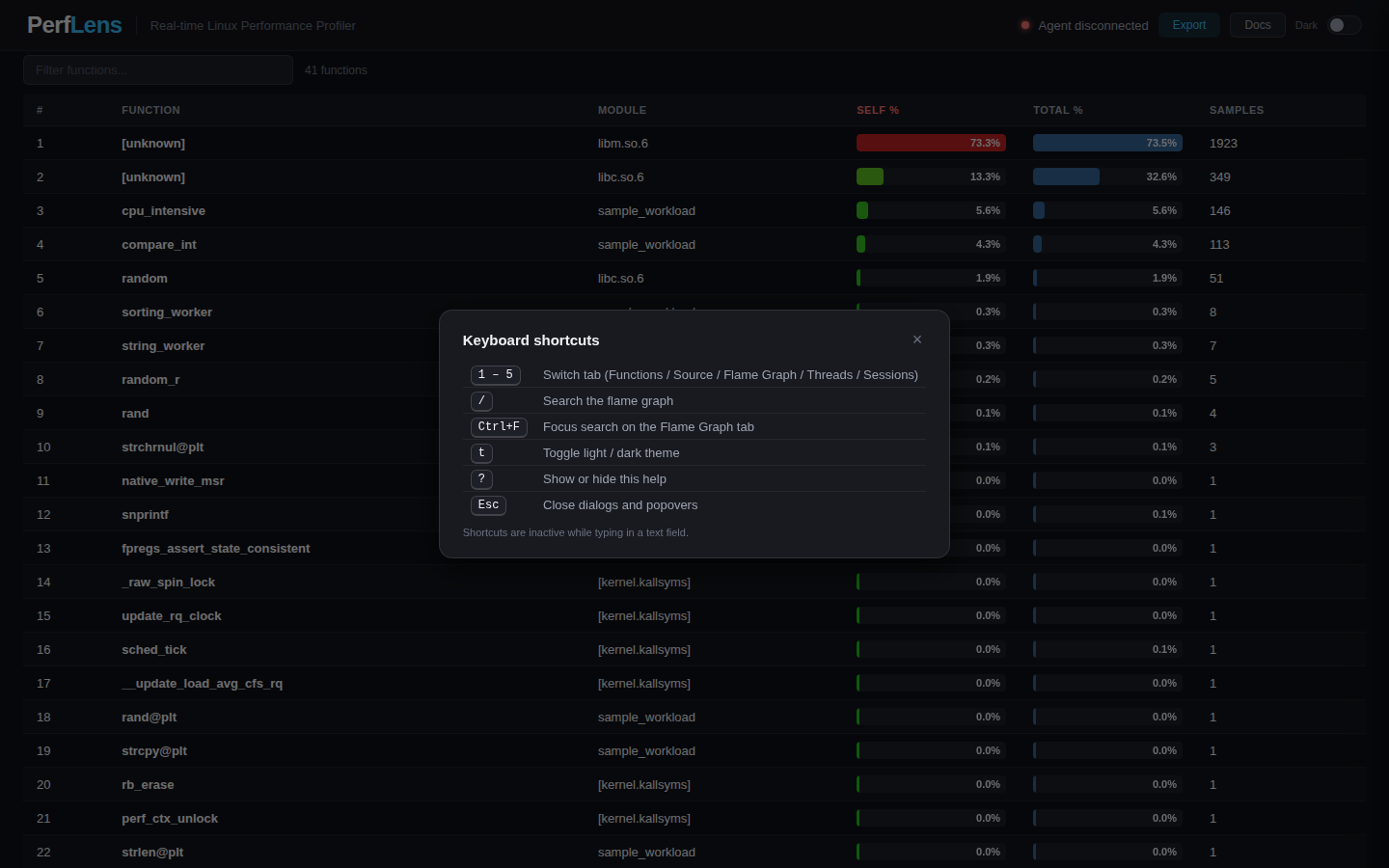
Every screenshot below is captured from the real UI — a live profile of a multi-threaded test workload, sampled at 199 Hz, replayed straight from the server.
perf.data.
Pre-built tarballs are published on every tagged release. Pick the install flavor and follow three steps.
Pre-built tarballs are available for Linux x86_64, macOS arm64, and Windows x86_64.
tar xf perflens-server-<ver>-linux-x86_64.tar.gz
./perflens-server-<ver>/perflens-server \
--source-dir /path/to/sources \
--binary /path/to/unstripped-binary
# UI: http://localhost:8080
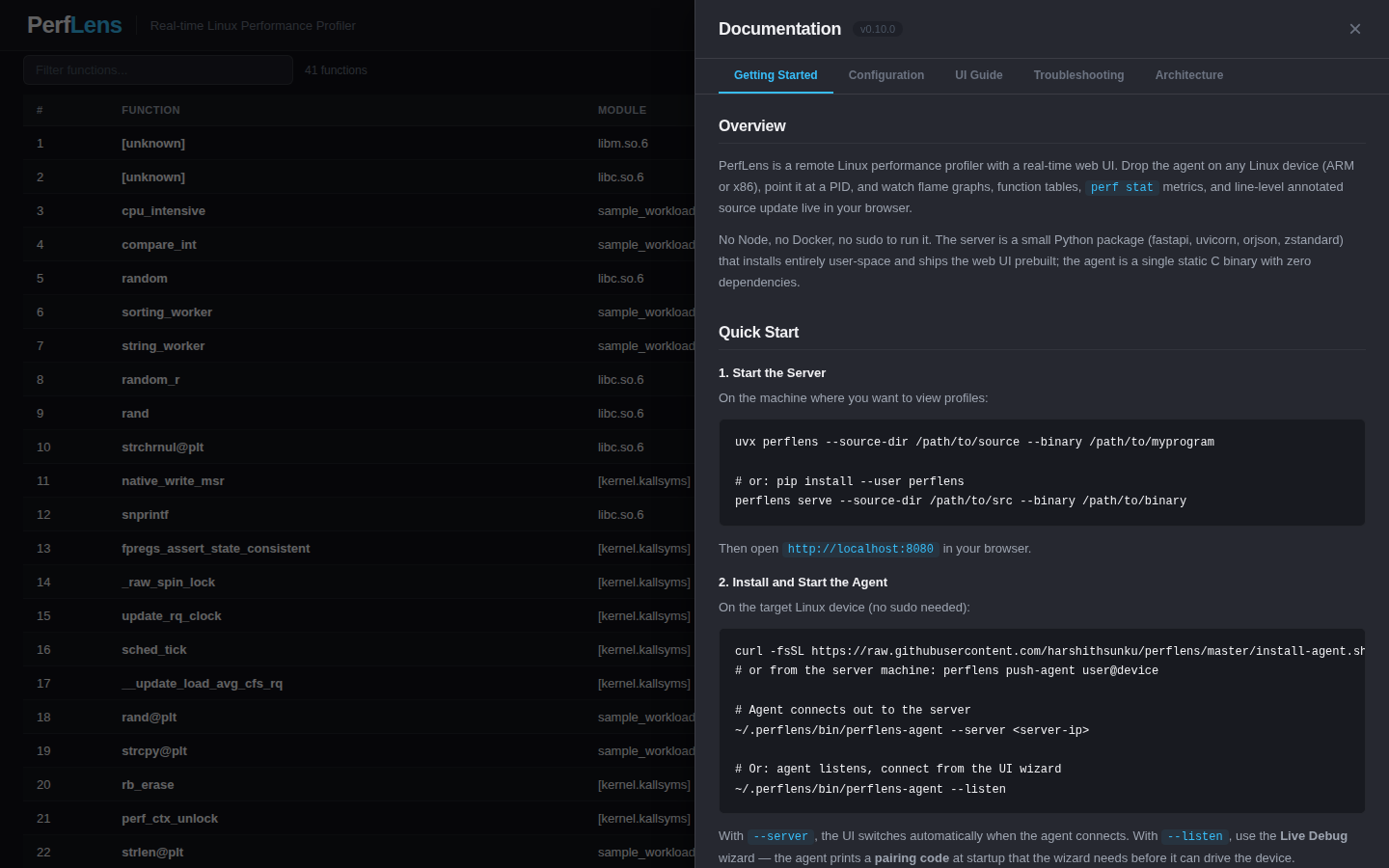
The Python agent is one file; runs on Python 3.5+. Two connect modes are supported.
# Agent dials out to the server (with reconnect/backoff)
./perflens-agent --server <server-ip>
# Or — agent listens, you connect from the UI's Live Debug wizard
./perflens-agent --listen
Browse to http://<server-ip>:8080. With --server the UI switches as soon as the agent connects; with --listen, click Live Debug and point at the agent.
Zero runtime dependencies; vendored zstd; cross-compiles from a single Makefile.
cd agent-c
make # native x86_64
make CROSS=aarch64-linux-gnu- # ARM64 little-endian
make CROSS=aarch64_be-linux-musl- # ARM64 big-endian
make CROSS=arm-linux-gnueabihf- # ARMv7 little-endian
make CROSS=armeb-linux-musleabihf- # ARMv7 big-endian
The output is one ~1.8 MB binary. No libc surprises, no Python needed.
scp perflens-agent user@device:/tmp/
ssh user@device /tmp/perflens-agent --server <server-ip>
The C agent and Python agent speak the same wire protocol — the server can't tell them apart.
git clone https://github.com/harshithsunku/perflens.git
cd perflens
python3 server/perflens_server.py \
--source-dir /path/to/source \
--binary /path/to/myprogram \
--port 9999 \
--http-port 8080
scp agent/perflens_agent.py user@device:/tmp/
ssh user@device python3 /tmp/perflens_agent.py --server <server-ip>
http://<server-ip>:8080That's it. The UI auto-switches into the profiling view when samples start flowing.
perf;
local needs Python 3.8+ (or the frozen tarball), addr2line,
and readelf (bundled or on PATH). For source-level
annotation, your binary must be compiled with -g and not
stripped.
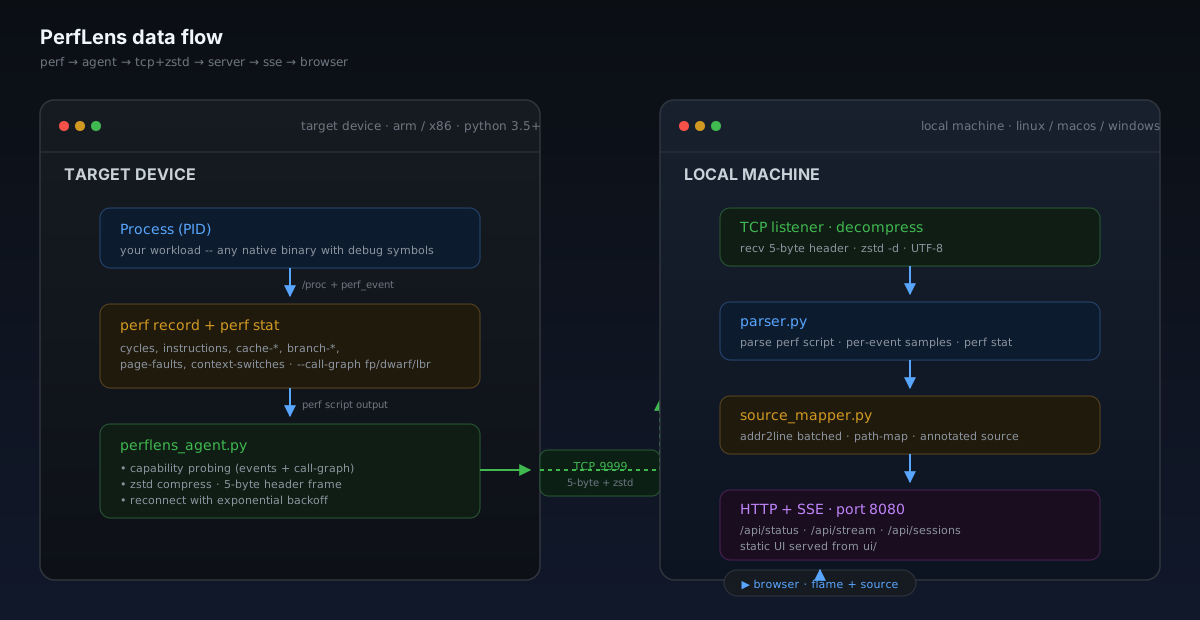
perf record on the target. The agent flattens the trace
with perf script, compresses with zstd, frames with a
5-byte header, and pushes over TCP. The server decompresses, parses
per-event sample lists, builds flame graph trees, pipes addresses
through addr2line in batches, and broadcasts the result
to every connected browser via Server-Sent Events.
Typical zstd ratio on real perf script output: 20–40×.
Read the architecture →No Flask, no npm, no Docker. ThreadingHTTPServer on the server. Plain HTML + vanilla JS + CSS on the UI.
perf script format drifts across kernel versions. The parser handles 2.6 through 6.x output with optional [cpu], pid/tid, and flags fields.
If a piece of code doesn't earn its complexity, it gets cut. No frameworks for the sake of frameworks.
MIT-licensed. No proprietary names, IPs, credentials, or company-specific anything in code, docs, or history.